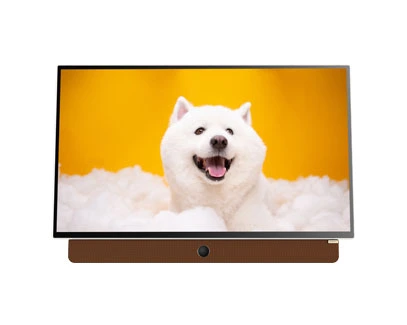
A portable TV can make a holiday rental, caravan trip or outdoor gathering more comfortable, but its features do not all work in the same way. A built-in battery provides power away from a wall socket, while Wi-Fi connects the TV to a network. Streaming apps may also require internet access, an active account and enough mobile data. Understanding these differences before leaving home helps you plan what to watch and avoid unexpected connectivity problems.
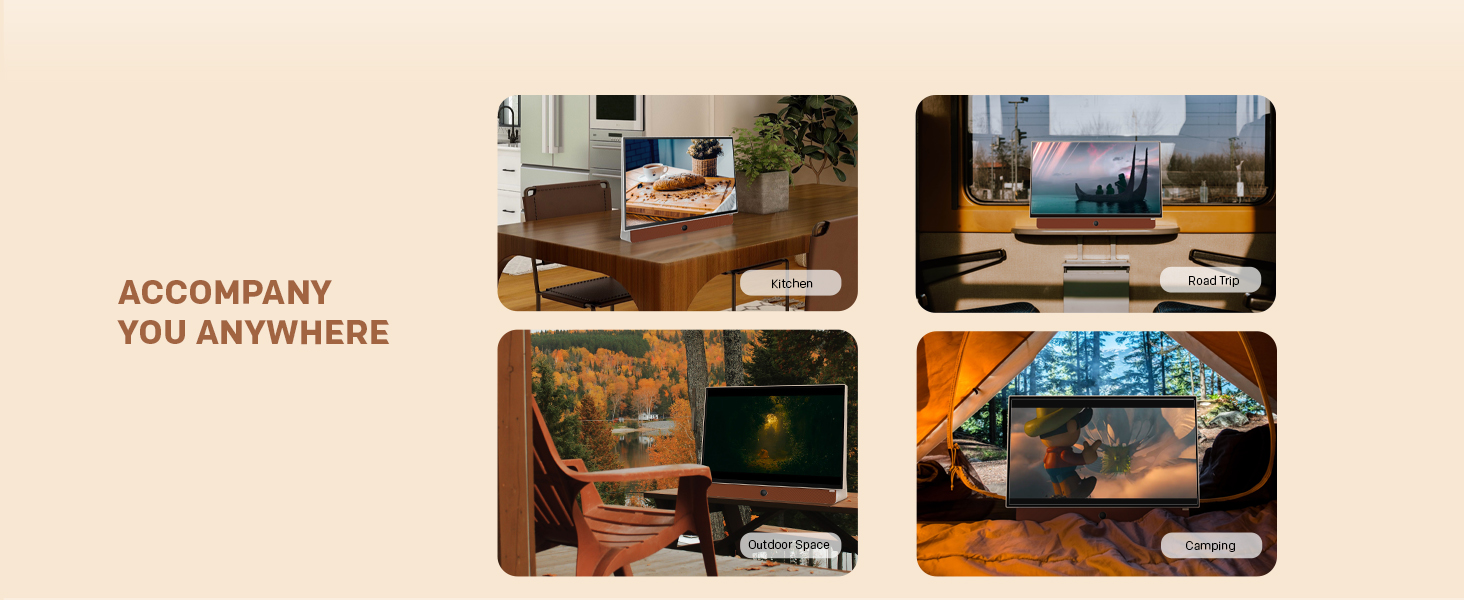
Not every viewing activity requires an internet connection, but streaming through online apps usually does. The exact requirements depend on the TV, the app and the content source.
Four things are worth distinguishing:
Power: The TV needs electricity from a built-in battery, an outlet or another compatible power source.
Wi-Fi: This connects the TV wirelessly to a local network, such as your home router or phone hotspot.
Internet access: The network must provide internet access for most online streaming services.
Content source: Streaming apps, compatible external devices, broadcast reception and locally stored media work differently. Availability depends on the TV's connections and supported features.
A TV can connect to Wi-Fi without having working internet access. Likewise, a battery-powered TV can turn on without being connected to any network, but that does not automatically mean it can play every type of content offline.
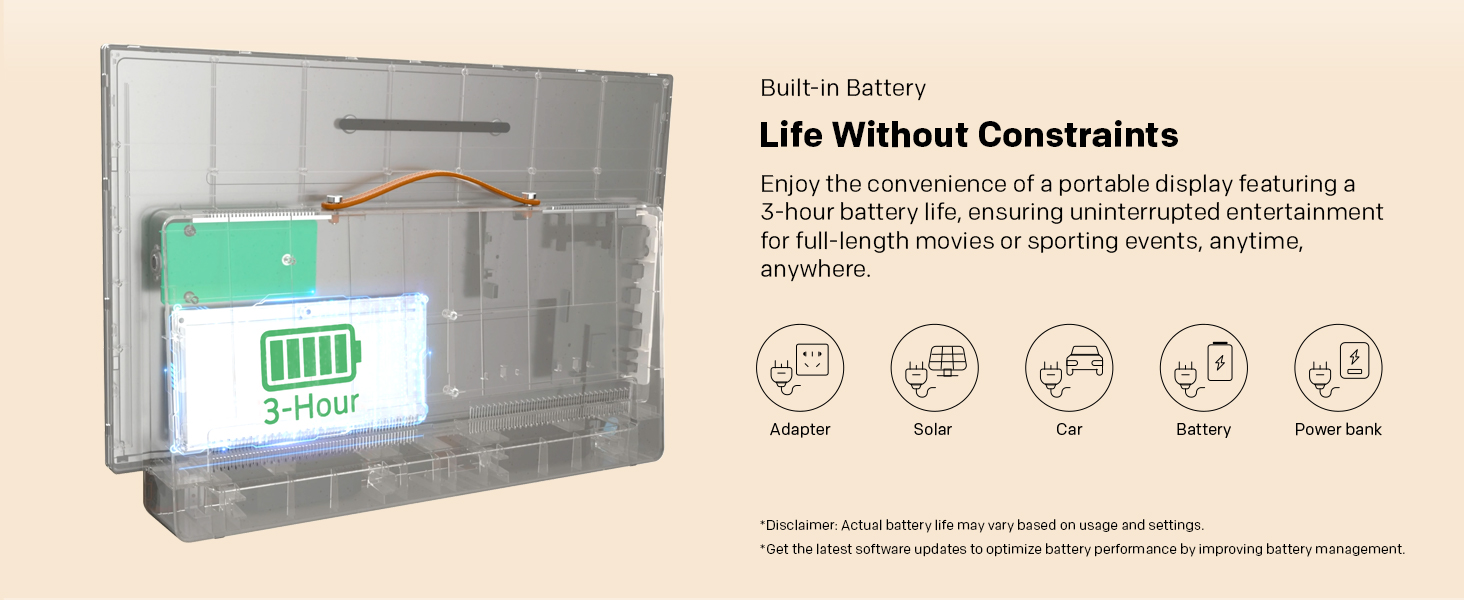
A built-in battery allows a portable TV to operate without remaining plugged into a wall outlet. This is useful when moving between rooms, watching on a patio or travelling to a location with limited access to mains power.
However, battery power does not replace Wi-Fi, mobile data or a content source. Streaming still depends on network availability, and using a hotspot may also consume the phone's battery. Actual TV runtime varies with the model, settings, usage and battery condition, so check the manufacturer's specifications rather than assuming every portable TV offers the same viewing time.
For example, the skyworth portable range page describes built-in battery power, Google TV and app streaming support. These features provide flexibility, but streaming away from home still requires a suitable connection. Check the specific model's battery details and charging requirements before planning a long trip.
At home, connecting a portable TV to your usual Wi-Fi network is generally the simplest setup. Select the network in the TV's settings, enter the password and open the streaming app you want to use.
Before travelling, test the apps you expect to watch. Confirm that you can sign in, that the TV software is up to date and that playback works reliably. Some services may require account verification or additional setup when a device is used in a new location.
If the TV will be used in a holiday house, do not assume its Wi-Fi details will be available in advance. Ask the property host about connectivity, password access and signal strength in the room where you plan to watch.
A mobile hotspot lets a compatible phone share its mobile internet connection with a TV. This can be useful at a campsite, in a holiday rental or anywhere without accessible Wi-Fi. On the TV, select the phone's hotspot network and enter its password, just as you would connect to a router.
There are several practical limitations. Mobile coverage may be weak in remote areas, video streaming can use substantial data, and hotspot use can drain the phone's battery. Some mobile plans also impose data limits or hotspot restrictions.
Before relying on this method, check your plan's allowance, coverage at your destination and the TV's Wi-Fi compatibility. If possible, test the connection before departure and bring a suitable way to recharge both devices.
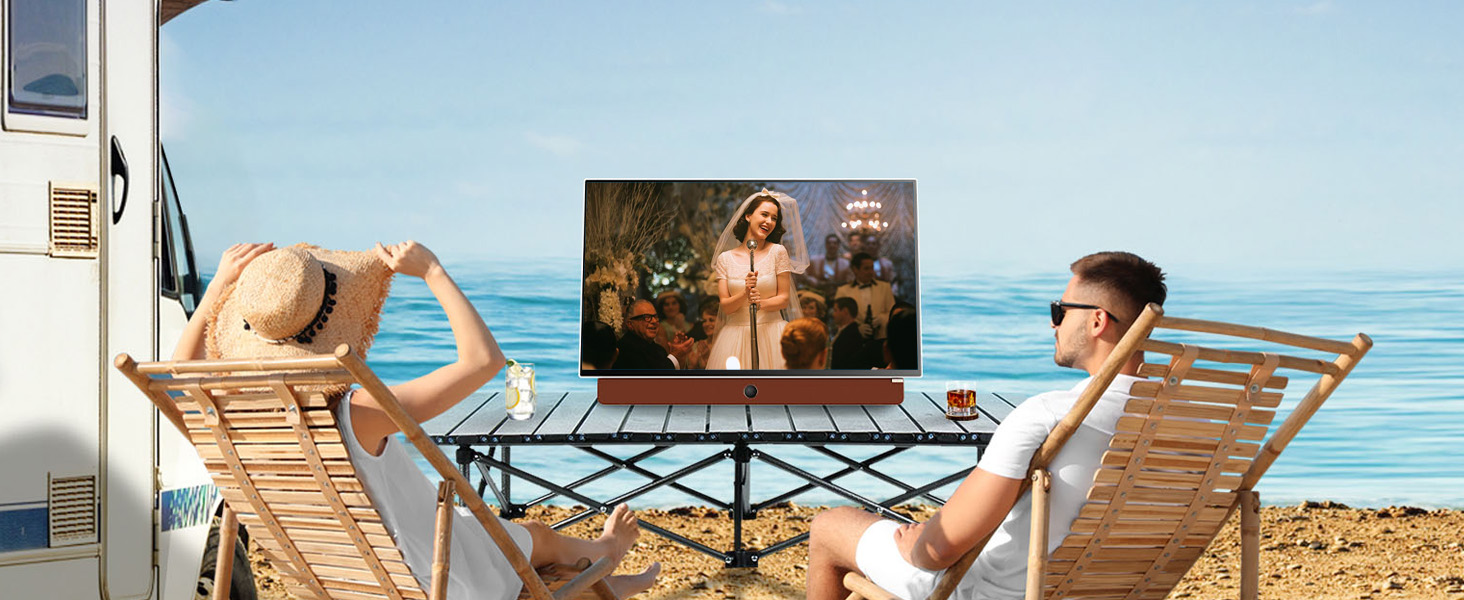
Do not assume a smart TV's streaming apps can download programmes for offline playback. Download permissions are usually controlled by the individual service and device, and may not be available directly on a TV.
If internet access will be unreliable, investigate alternatives before leaving. Depending on the model, these may include a compatible external media device or playback from supported USB storage. Check the TV's supported file formats, available ports and any additional equipment required. HDMI connectivity alone does not guarantee that a phone or storage device can play content directly.
| Travel situation | Connection to prepare | What to confirm |
| At home | Home Wi-Fi | Password, app sign-in and stable playback |
| Holiday house | Property Wi-Fi or hotspot | Network access and signal strength |
| Campsite | Mobile hotspot, if coverage allows | Data allowance, phone battery and reception |
| Offline viewing | Supported local media or external device | Compatibility, file formats and required accessories |
Use this checklist before packing your portable TV:
Power: Charge the TV and confirm its charging method. Pack compatible cables and adapters.
Connection: Test home Wi-Fi and, if needed, your phone's mobile hotspot.
Coverage: Check mobile reception at the destination, especially for remote camping areas.
Data: Review your mobile plan's allowance and any hotspot limits.
Accounts: Sign in to streaming services and confirm that your subscriptions are active.
Offline alternatives: Verify supported playback methods and prepare compatible media if needed.
Protection: Check the model's outdoor-use limitations. Portability does not automatically mean waterproofing or weather resistance.
When comparing a small portable TV australia , consider more than screen size and portability. Check the model's battery specifications, supported smart features, Wi-Fi connectivity, available ports and charging arrangements against the places where you plan to use it.
No. The battery supplies power, not internet access. Wi-Fi or another compatible content source may still be needed, depending on what you want to watch.
Usually, if the TV supports Wi-Fi and the phone can share a compatible hotspot connection. Confirm compatibility, mobile coverage and data limits first.
Potentially, but it depends on the content source and the TV's supported playback options. Do not assume streaming apps offer offline downloads.
Yes, streaming over a mobile hotspot normally uses the phone plan's data allowance. Consumption varies with the service, video quality and viewing duration.
It may be suitable, provided you have enough battery power and a supported way to access content. Check reception, charging options and any outdoor-use restrictions for the specific model.
Yes. Test power, Wi-Fi, hotspot access and streaming apps at home. This gives you time to resolve login, compatibility or connection problems before departure.

 sales@skyworthau.com

 English
 français